AI Activations
The New EventStation WebApp: AI Photo Booth Software Built for Branded Activations
AI photo booth software for branded activations. Run photo booth or BYOD experiences, add custom AI filters, capture leads, and track full event analytics.
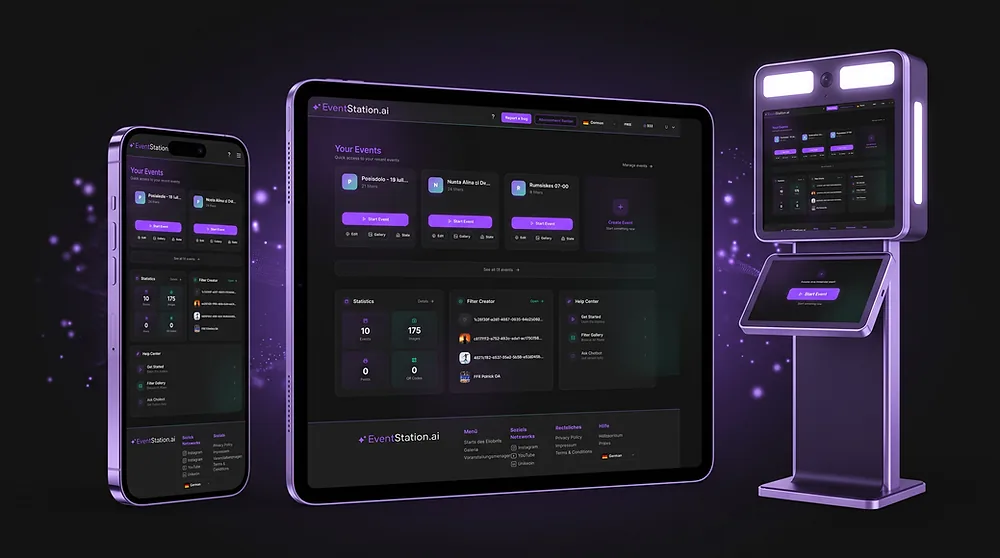
The new EventStation WebApp is here — and it turns any photo activation into a fully branded, data-rich experience you can run anywhere.
Event activations are evolving fast. Guests no longer want just a photo; they want a personalized, shareable moment that feels made for the brand behind it. And the operators who deliver that experience want more than hardware rental — they want to build real revenue around every activation.
The new WebApp is built for exactly that. It brings branding, AI filters, guest data, delivery, galleries, and analytics into one place, and it runs on physical booths and digital devices alike. Below is a look at what's new and what you can now offer your clients.
Multiple Activation Formats
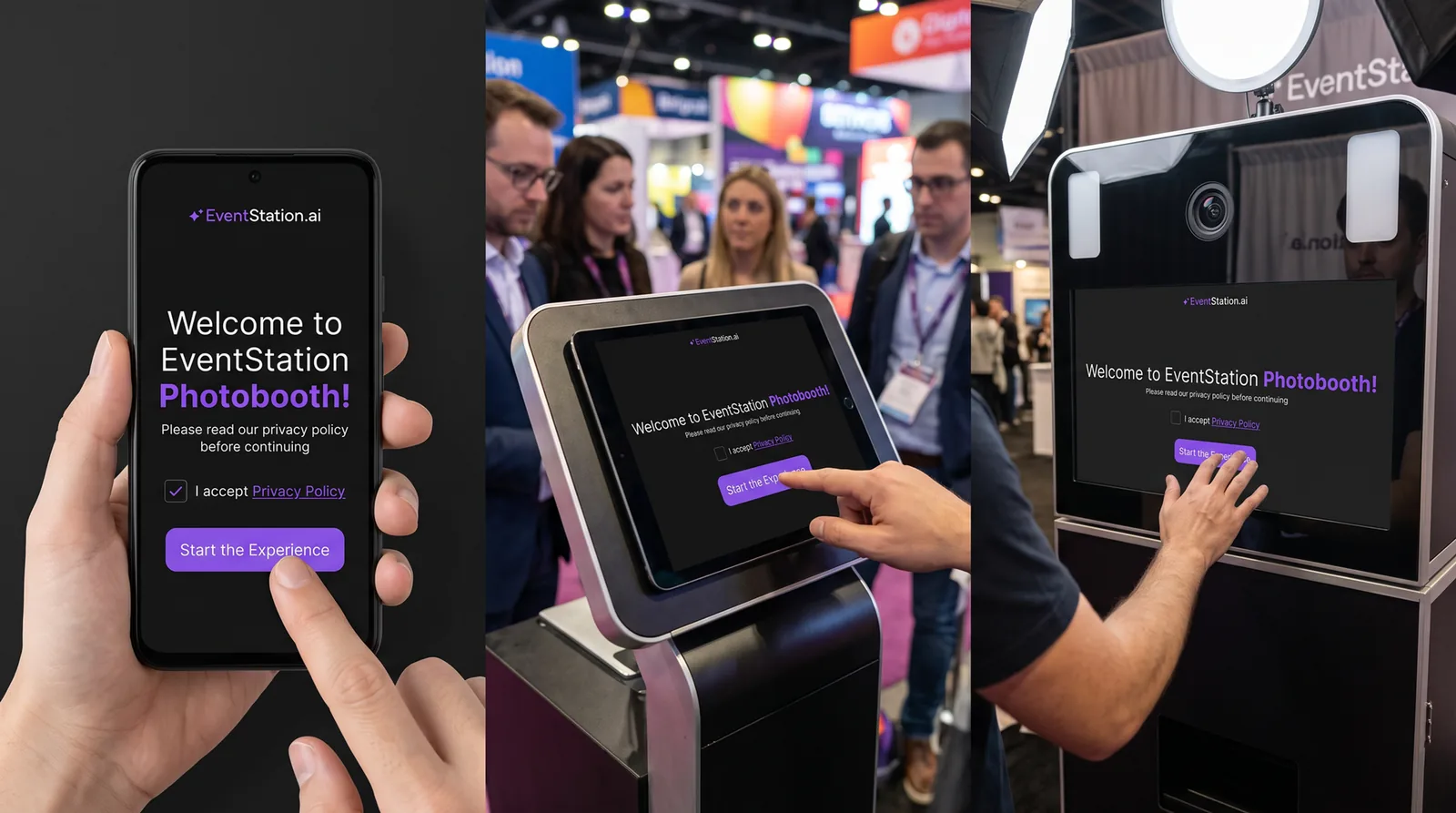
The new WebApp supports different live activation formats, so you can match the setup to the event instead of the other way around.
Hardware-based photo activations: Run the activation on any kind of hardware — tablets, desktop PCs, or professional photo booths.
Digital BYOD photo booth: Ideal for physical and digital campaigns alike. Guests access the digital booth through a shared link or by scanning a QR code displayed on a banner or screen.
More Diverse Business Cases
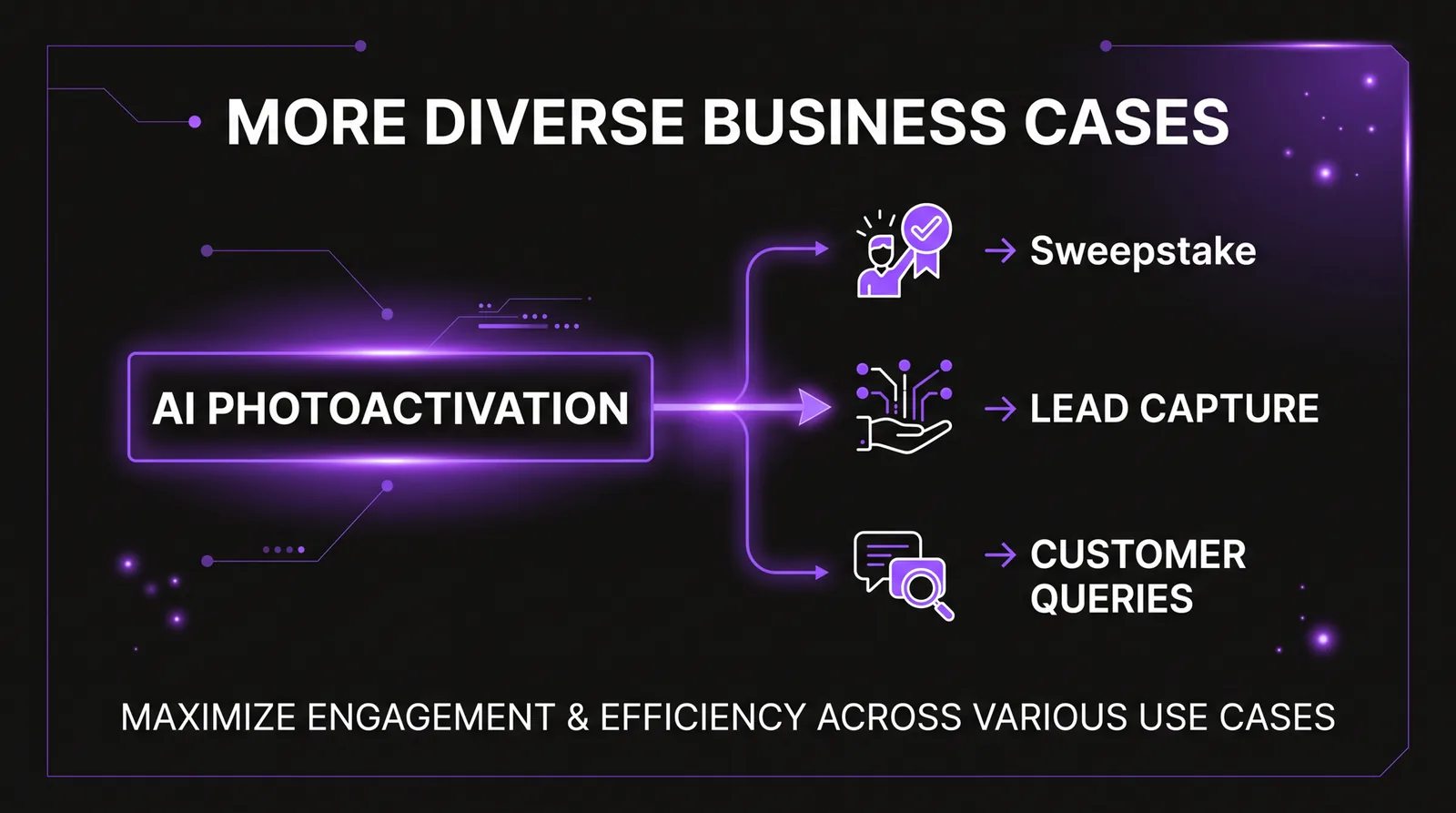
The AI photo booth can now be combined with additional activation formats, turning a single photo moment into a complete marketing touchpoint:
- Sweepstakes: Run sweepstakes for participants, including the integration of your own legal documents.
- Lead capture: Collect user data such as email addresses, names, phone numbers, and other relevant information.
- Customer surveys: Define questions and answer options together with your clients to add value to every photo activation.
Extended Self-Service Capabilities
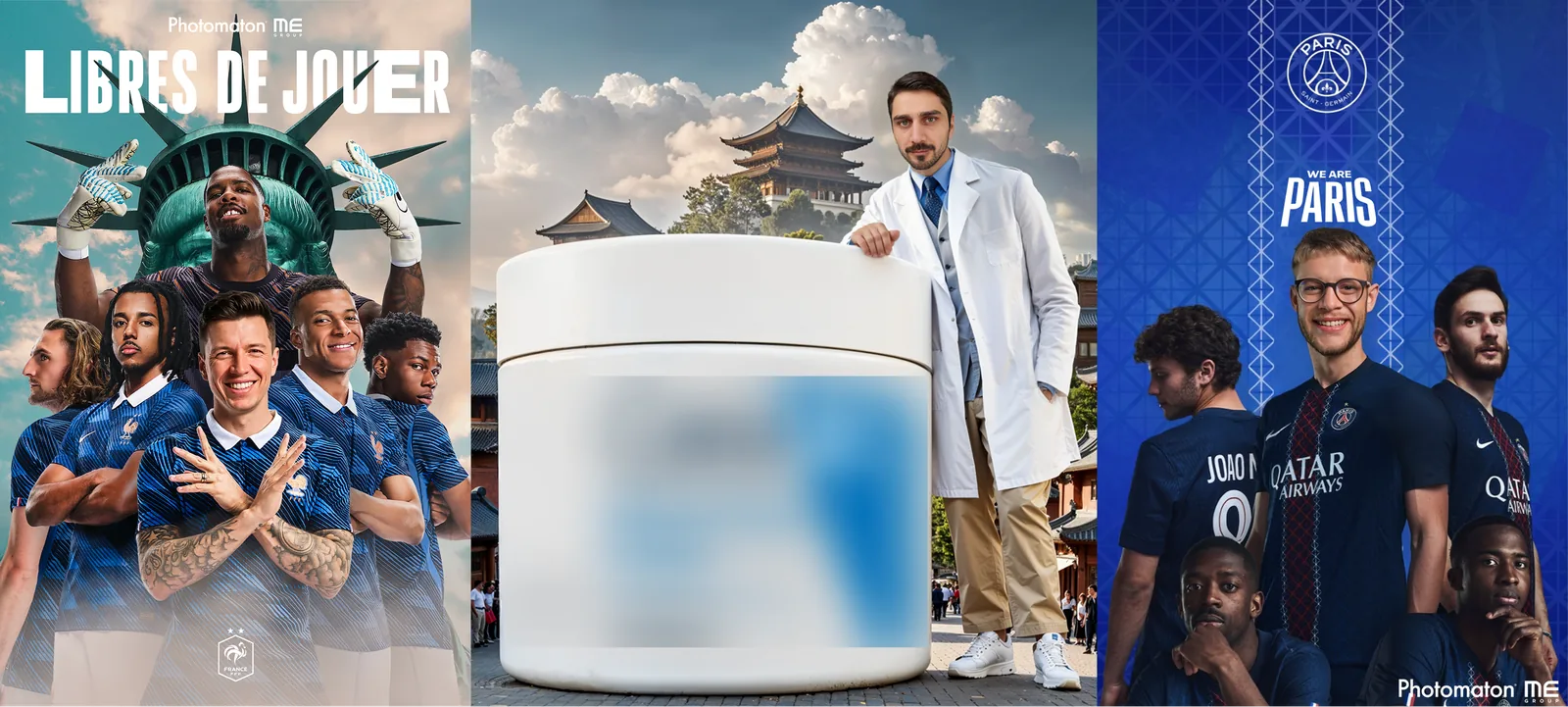
Every WebApp user now gets access to the Filter Creator, our self-service tool for creating and offering custom AI filters.
Your team can design filters aligned to any brand, product, or campaign theme — and share drafts with external stakeholders through a simple link before going live. In short: your team becomes the artist.
Statistics, Analytics, and Data Exports
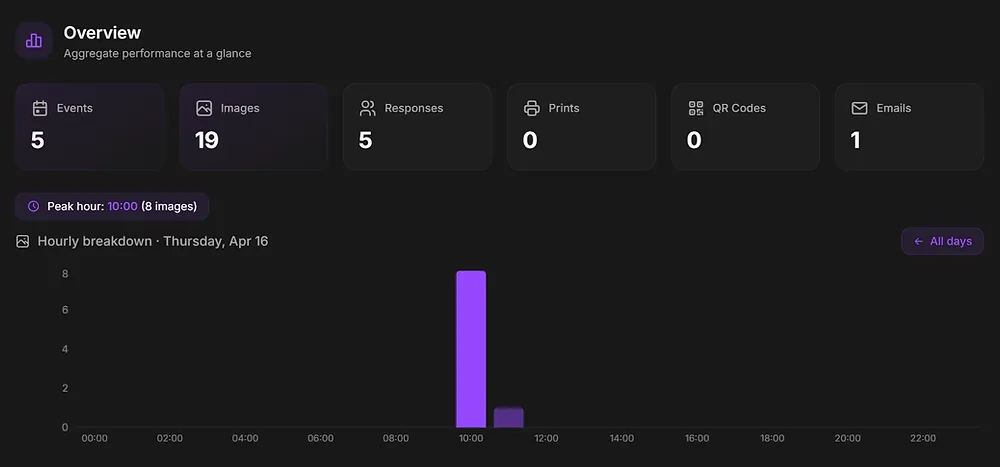
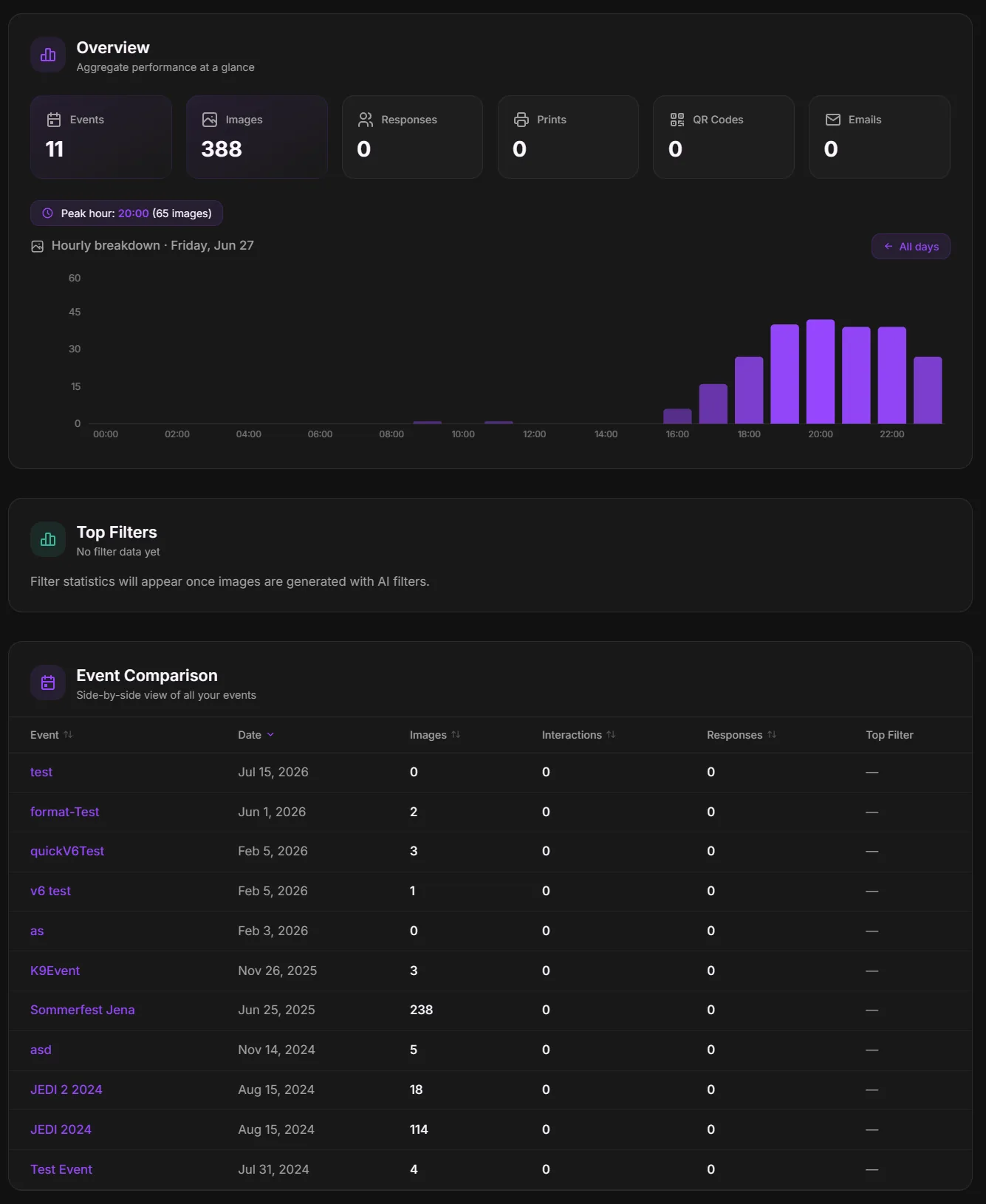
Access detailed statistics and analytics for individual events and for your entire account, including user demographics, filter usage, and your most popular filters.
You can also export event reports and the data generated through supported business cases, including lead capture lists and survey results.
Extended Sharing Functions
Analytics can be downloaded and shared directly from the dashboard.
Shareable event galleries let you create externally accessible links for viewing and sharing images during or after the event — a simple way to keep the experience alive once the booth is packed up.
Old WebApp vs. New WebApp
| Feature Area | Old WebApp | New WebApp |
|---|---|---|
| White-Label Functions | Logo replacement only. No color changes for buttons, backgrounds, or text. No dark/light mode. | Fully customizable frontend for every page the end user sees — survey pages, legal documents, idle screens, and screensavers. |
| Email Design & Asset Distribution | No customizable email design. | Fully customizable email design and distribution of personalized assets via a custom-designed email. |
| Data Tracking | Not available. | Tracking of event KPIs, including usage per filter and total usage per event. Shareable KPI sheets available via download. |
| Functions for Event Activations | Pure photo activations only. | Photo activations can be combined with lead capture, sweepstakes, or surveys for client feedback. |
| Activation Forms | Physical hardware activations only. | Physical and digital activation formats, including a digital photo booth or website accessible via link or QR code. |
| Filter Creation | Rudimentary Filter Creator. | All Event WebApp subscribers can access the Filter Creator. Filter drafts can be shared with external stakeholders via a simple link. Your team becomes the artist. |
| Models for Photo Content | FaceSwap for single persons only. MultiSwap for one to five persons. | FaceSwap for one to five persons, MultiSwap for one to five persons, and upcoming video model integration. |
| Gallery & Download Center | Gallery for downloading and sharing files after the event only. | Live gallery for visitors via a shareable link, plus a download center for handing over all collected images. |
| New Service Offerings | — | Custom filters bundled with an activation. |
| Analytics | No data capture. | Tracking of filter usage, user types, number of shares, sweepstake participation, and answers to customer queries. |
Try It Out Now
The new EventStation WebApp is ready to power your next event, campaign, or client activation.
If you'd like to see it in action or set it up for an upcoming activation, book a free consultation or reach out to us at felixb@eventstation.ai. We'll help you find the setup — and the revenue model — that fits your business best.